Shortcuts#
| Key | Action |
|---|---|
Ctrl+N / Ctrl+O |
new / open |
Ctrl+S / Ctrl+Shift+S |
save / save as |
Alt+G (or Ctrl+R) |
render and play |
Ctrl+T / Ctrl+D |
new section / duplicate section |
Ctrl+B or Super+N / Ctrl+Shift+D |
new bar / duplicate bar |
Super+Delete |
delete the selected bar |
F9 / Shift+F9 |
show / hide the section list / the settings column |
Enter (in a bar) |
go to the next bar (creates it if needed) |
Space / B / S / L |
play-pause / from the start / stop / loop |
F1 |
guide |
Ctrl+Q |
quit |
Space, B, S and L work when you are not typing in a field: so you can type Bb or Dsus4 without trouble.
Built-in guide#
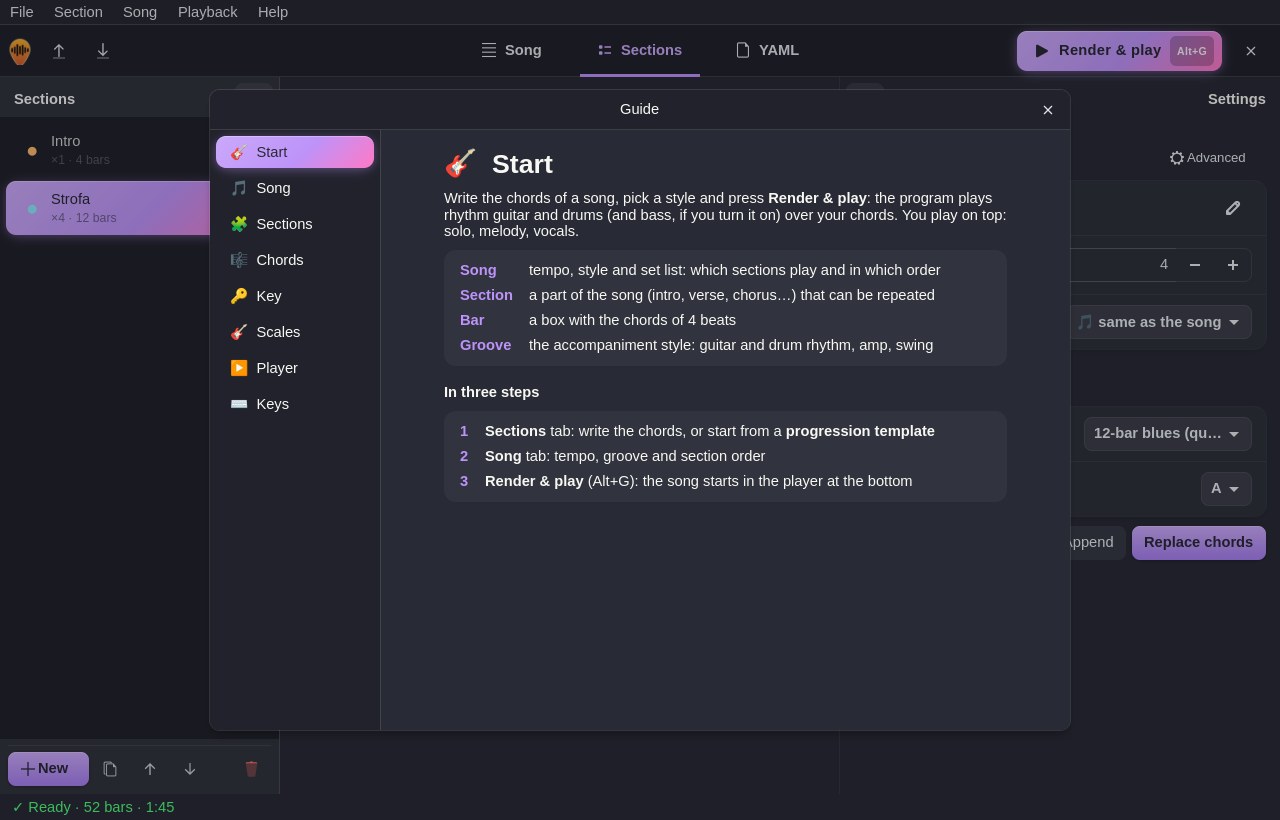
Help ▸ Guide (F1) explains every part of the window: Start, Song, Sections, Chords, Key, Scales, Player and Keys.